Sequence8
Sequence8
Build looping beats and melodies on a retro step sequencer with four audio channels and multiple instruments. Place notes on the grid, layer sounds, and instantly hear your creation come alive in this addictive PICO-8 music toy.
Play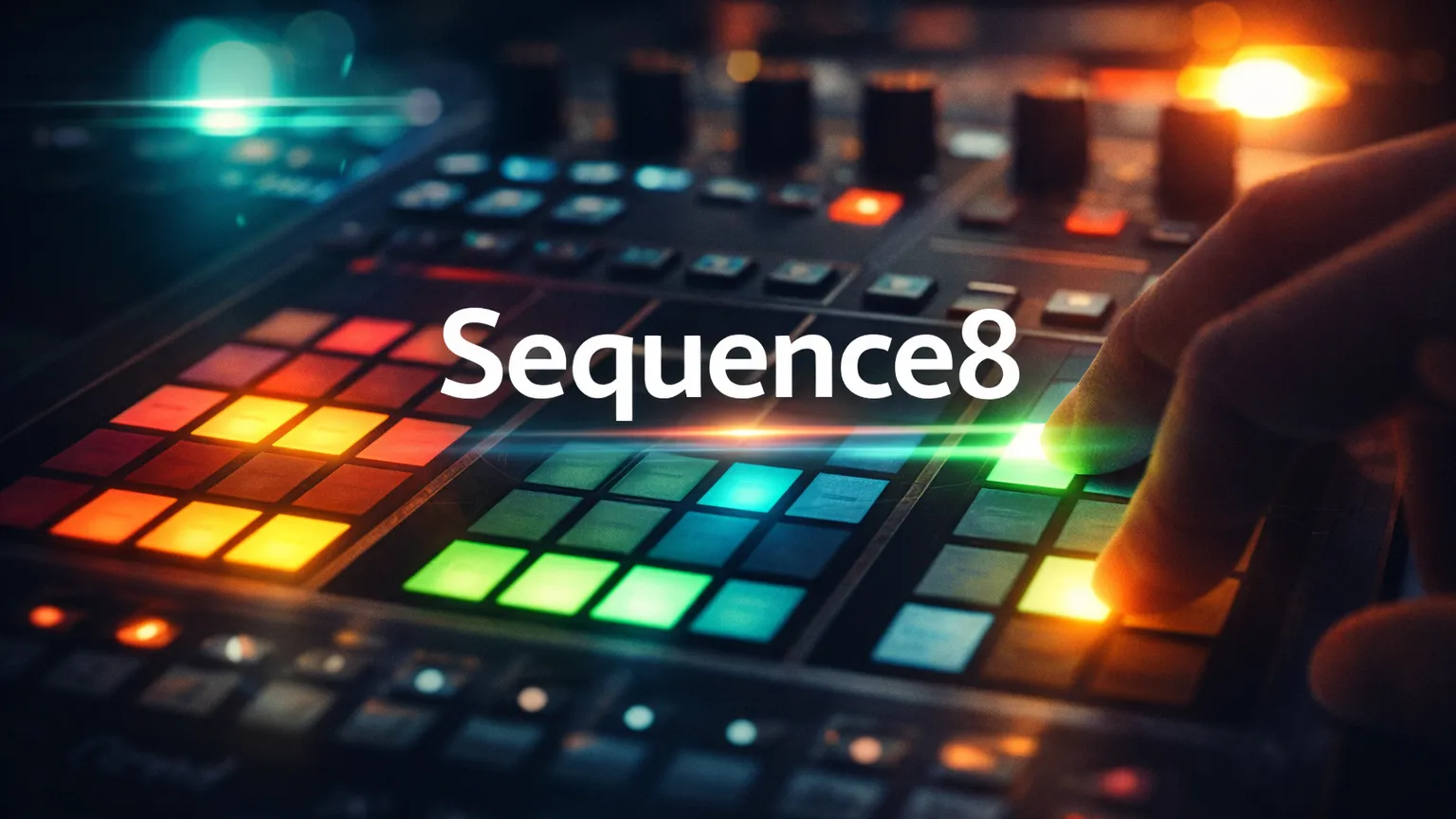
What is sequence8?
Most music tools feel like work. Sequence8 feels like pure playful invention. This charming PICO-8 toy drops you in front of a compact step sequencer grid where you place notes across four independent audio channels, pick punchy retro instruments, and watch (and hear) your loops come to life in real time. No complex menus, no steep learning curve—just instant musical gratification with that satisfying low-fi crunch.
The core twist is its elegant simplicity paired with surprising creative depth. One channel for a driving bass, another for crisp drums, a third for soaring leads, and the fourth for atmospheric textures. It's challenging in the best way: every placement changes the groove immediately, forcing you to solve the puzzle of what sounds good together. The result? Surprisingly addictive sessions where time vanishes as you chase the perfect loop.
sequence8 Game Rules (The Catch / The Trap)
You face a grid-based step sequencer divided across four channels. Each step in the sequence triggers a note (or silence) on its channel when the playhead sweeps across.
- Channel Freedom: Assign any available instrument to each of the four channels. Layer melody, harmony, bass, and percussion freely.
- Note Placement: Toggle notes on or off in the grid for each channel. Patterns loop seamlessly once playback starts.
- Real-Time Feedback: Changes take effect instantly—you hear every tweak as the sequence cycles.
- Save & Share: Press Ctrl+C to copy your entire sequence as a compact text string. Paste it back with Ctrl+V anytime, or share it with friends.
The trap: With only four channels and a limited grid, every decision counts. Overcrowd one channel and the mix gets muddy. Underuse another and your track feels empty. You MUST balance rhythm, melody, and texture or the loop falls flat. No undo button means bold experiments can lead to happy accidents—or total resets.
How To Play sequence8?
-
Launch the Toy: Open the game in your browser on itch.io. The retro interface loads with an empty sequencer grid and four channels ready for action.
-
Assign Sounds: Select each channel and choose an instrument (bass, lead, drum, synth, etc.). The distinct retro tones give each layer its own personality.
-
Build Your Pattern: Click or toggle cells on the grid to place notes. Add kicks and snares on channel 1, a pulsing bass on channel 2, melodic notes on channel 3, and atmospheric fills on channel 4.
-
Hit Play & Tweak: Start the sequencer. Watch the playhead sweep and hear your loop instantly. Drag to add/remove notes live while it plays—feel the groove evolve in real time.
-
Capture & Share: Love your creation? Hit Ctrl+C to copy the full sequence code. Paste it later or drop it in the comments for others to try. Reload, remix, and repeat.
Strategy & Tips
- Start simple: Get a solid drum or bass pattern going on one channel before layering more. A strong foundation makes everything else click.
- Use contrast: Pair bright leads with deep basses, or sharp percussion with sustained pads for a richer sound.
- Experiment with rhythm offsets: Shift patterns between channels so they interlock instead of hitting at the exact same time.
- Copy great sequences from the itch.io comments and tweak them—it's the fastest way to learn what works.
- Embrace the limits: The retro PICO-8 sound is part of the charm. Lean into the crunchy tones rather than fighting them for surprisingly cool results.