Chrome Music Lab
Loading game...
What is Chrome Music Lab?
Chrome Music Lab is a playful collection of browser-based music experiments that turns sound into something you can click, draw, hear, and explore. It is less like a single game and more like a mini playground for discovering how music works.
The value is immediate: you can make a melody, see sound as a waveform, experiment with rhythm, compare pitch, or turn drawings into musical ideas. It is especially useful for beginners, students, teachers, musicians, producers, and anyone who wants music concepts to feel less abstract.
What Can You Find on Chrome Music Lab?
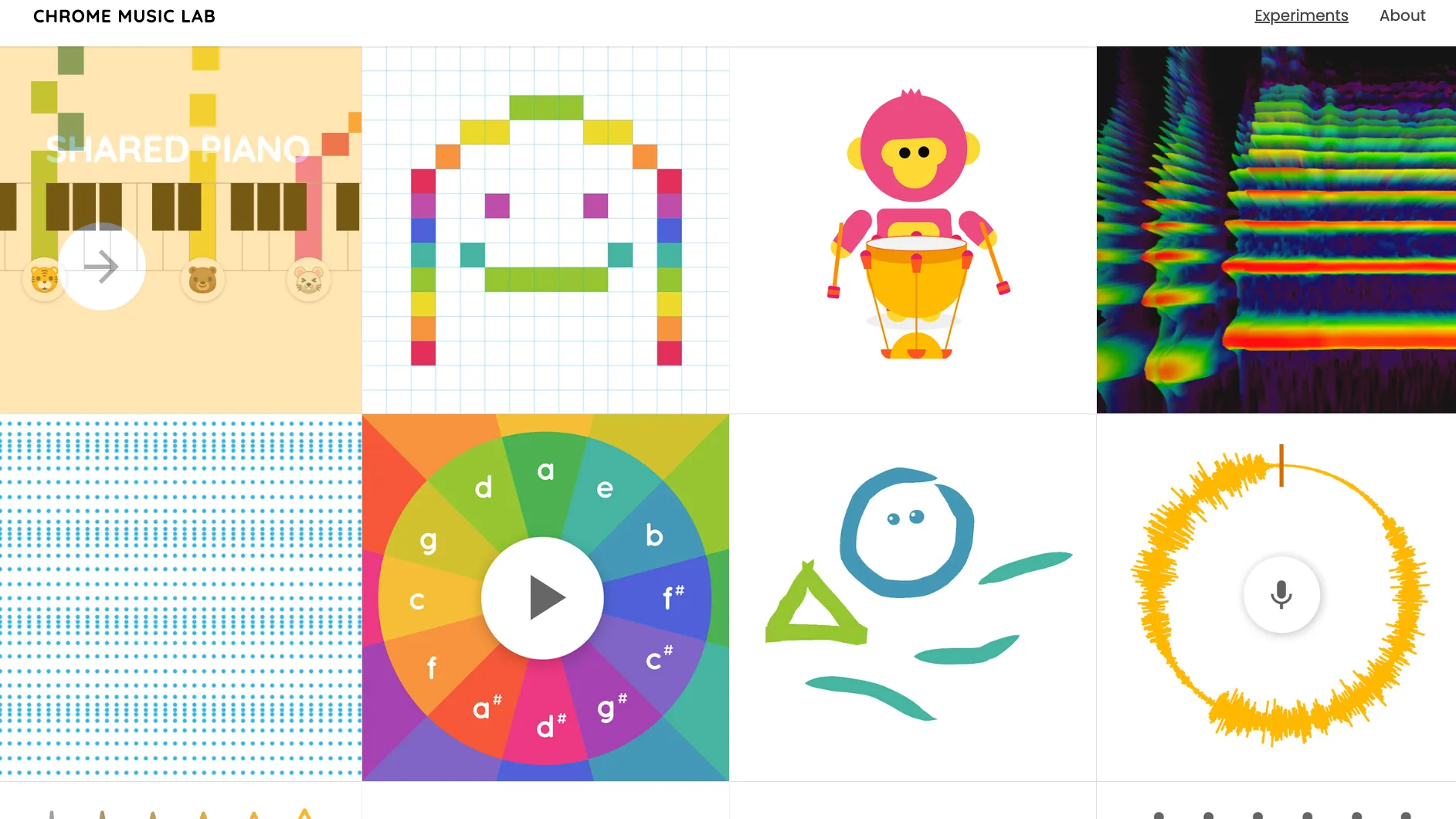
Chrome Music Lab includes multiple hands-on experiments rather than one fixed challenge. Different experiments focus on different musical ideas, such as rhythm, melody, chords, sound waves, pitch relationships, spectrograms, and simple song creation.
For example, Song Maker lets users build a simple melody and rhythm pattern, while other experiments visualize sound, explore oscillators, or show how pitch changes when string length changes. The common thread is interaction: change something, hear the result, and learn from the sound.
Example:
Draw notes -> Hear melody -> Change rhythm -> Hear a new pattern
How To Use Chrome Music Lab?
- Open Chrome Music Lab and choose an experiment from the collection.
- Interact with the screen by clicking, drawing, playing, dragging, or changing simple controls.
- Listen to how the sound responds when you change pitch, rhythm, shape, pattern, or timing.
- Try a second experiment to compare another concept, such as melody versus sound waves.
- Use short explorations as warmups, classroom activities, or creative sketching sessions.
Best Ways to Explore Chrome Music Lab
Start with Song Maker if you want the quickest creative payoff. It gives you a simple grid for melody and rhythm, so you can build something musical without reading notation.
Use the visual experiments when you want to understand sound itself. Waveforms, spectrogram-style views, oscillators, and pitch demonstrations can make abstract audio ideas easier to grasp.
Do not treat Chrome Music Lab as a formal ear-training course. It is strongest as an exploratory music playground, a learning aid, and a creative sketchbook for sound ideas.
Chrome Music Lab FAQ
Is Chrome Music Lab good for beginners?
Yes. Chrome Music Lab is designed around simple, hands-on experiments, so beginners can explore music concepts without needing advanced theory or notation skills.
Is Chrome Music Lab a game or a tool?
It is best described as a directory or collection of interactive music experiments. Some parts feel game-like, while others work more like creative tools or learning activities.
What should I try after Chrome Music Lab?
Try a dedicated pitch trainer, interval recognition exercise, rhythm trainer, virtual piano, or online synth if you want deeper practice in one specific skill.