
Guitar Tuner
Guitar Tuner
Free online microphone-based guitar tuner with instant needle feedback and "In Tune" confirmation. Supports standard tuning, Drop D, Open G, 30+ alternate tunings, and fully custom setups for acoustic, electric, or bass guitar.
Play
What is guitar tuner?
Strings out of tune and your sound falling flat right when you need it most? Guitar Tuner transforms your browser into a precise, real-time pitch detective. Play each string into your microphone and watch the needle swing instantly — telling you exactly how flat or sharp you are — until it centers and the satisfying "In Tune" message appears.
It's a perfect blend of practical life-saver and ear-training challenge. Beginners rely on auto-detect for quick fixes, while serious musicians use it to sharpen their pitch recognition or experiment with creative alternate tunings. The core twist is the live, unforgiving visual feedback: every pluck becomes a mini battle against frequency, and only steady adjustment gets you to perfect harmony.
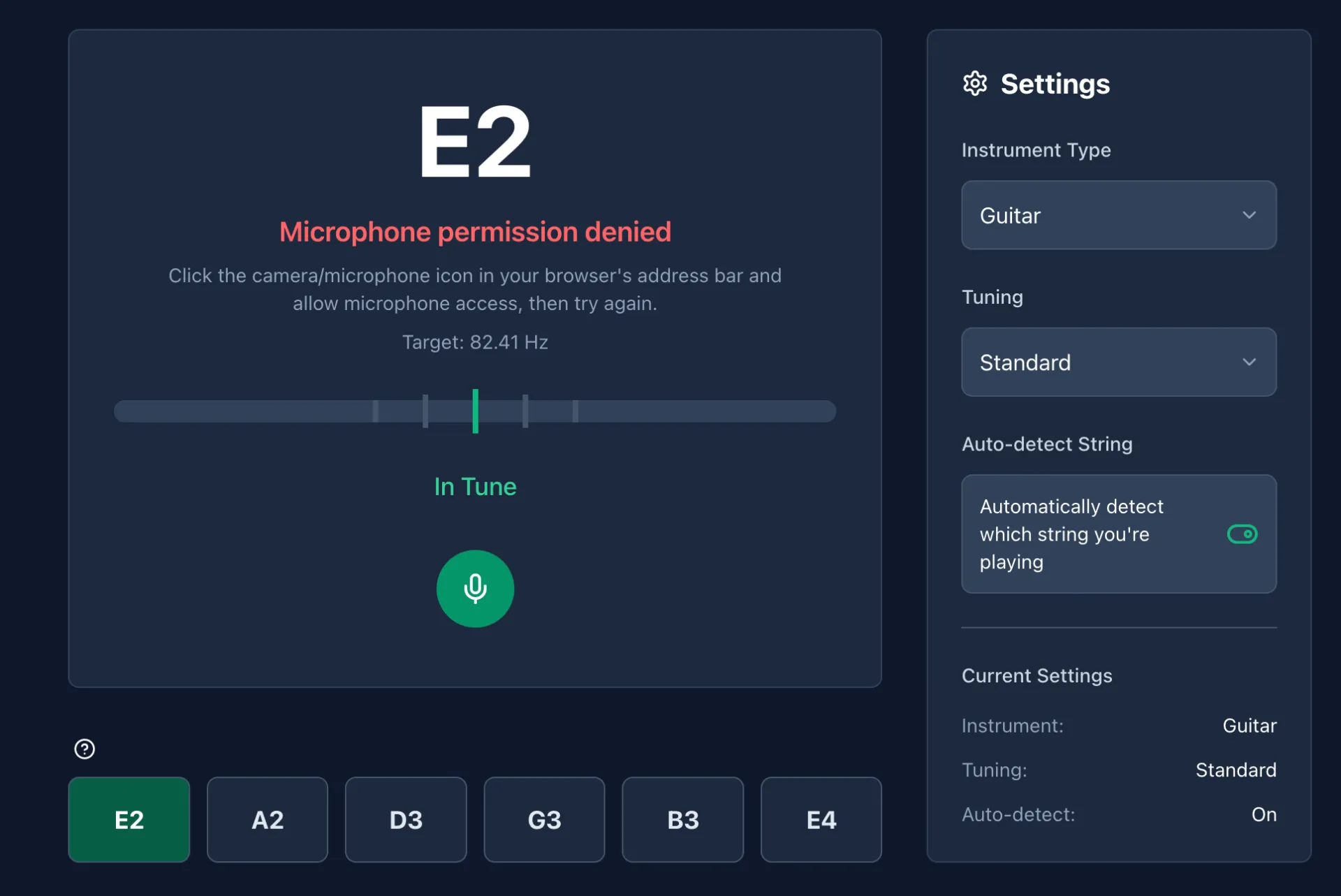
guitar tuner Game Rules (The Catch / The Trap)
You MUST grant microphone access and play clear, sustained notes on your guitar (acoustic, electric, or bass). The tuner compares your live input to the exact target frequency in real time.
- Flat (too low): Needle swings left of center.
- Sharp (too high): Needle swings right of center.
- Perfect: Needle centers and "In Tune" lights up with the target Hz displayed (e.g. Target: 82.41 Hz for low E2).
Auto-detect is enabled by default and automatically highlights the string you're playing. You CAN choose from 30+ preset tunings or build fully custom ones. You CAN disable auto-detect for pure ear-training mode. No timers or scores — the only trap is background noise or poor plucking technique that confuses the detection.
Lock every string into the green zone and your guitar is ready to play.
How To Play guitar tuner?
Step 1: Select your setup.
Choose Guitar as the instrument and pick a tuning (Standard is default, or select from 30+ options like Drop D or Open G). Press the mic button to enable listening.
Step 2: Pluck the target string.
Play the first string cleanly (e.g. low E2).
Game Response: Live frequency updates with target shown (e.g. Target: 82.41 Hz) and the needle moves to show your current pitch.
Step 3: Adjust your tuning pegs.
Turn the pegs while watching the needle react in real time.
What You Learn: The precise direction and amount you're off. When the needle centers and "In Tune" appears, that string is locked.
Step 4: Progress through all strings.
Auto-detect usually switches to the next string automatically (A2, D3, G3, B3, high E4 for standard). Repeat the process.
Next Constraint: Disable auto-detect to force yourself to identify and tune each string purely by ear.
Step 5: Verify and celebrate.
All strings show "In Tune"? Strum a full chord or riff to hear your perfectly tuned guitar in action.

Strategy & Tips
- Pluck strong, clean, single notes without muting or adding harmonics for the most accurate detection.
- Play in a quiet environment to minimize background noise interference with the microphone.
- Turn off auto-detect to seriously train your ear — guess the note first, then check the feedback.
- Use custom tuning mode for extended-range guitars or experimental setups.
- Practice regularly — repeated use will noticeably improve your natural pitch recognition over time.