
Piano Genie
Loading game...
What is Piano Genie?
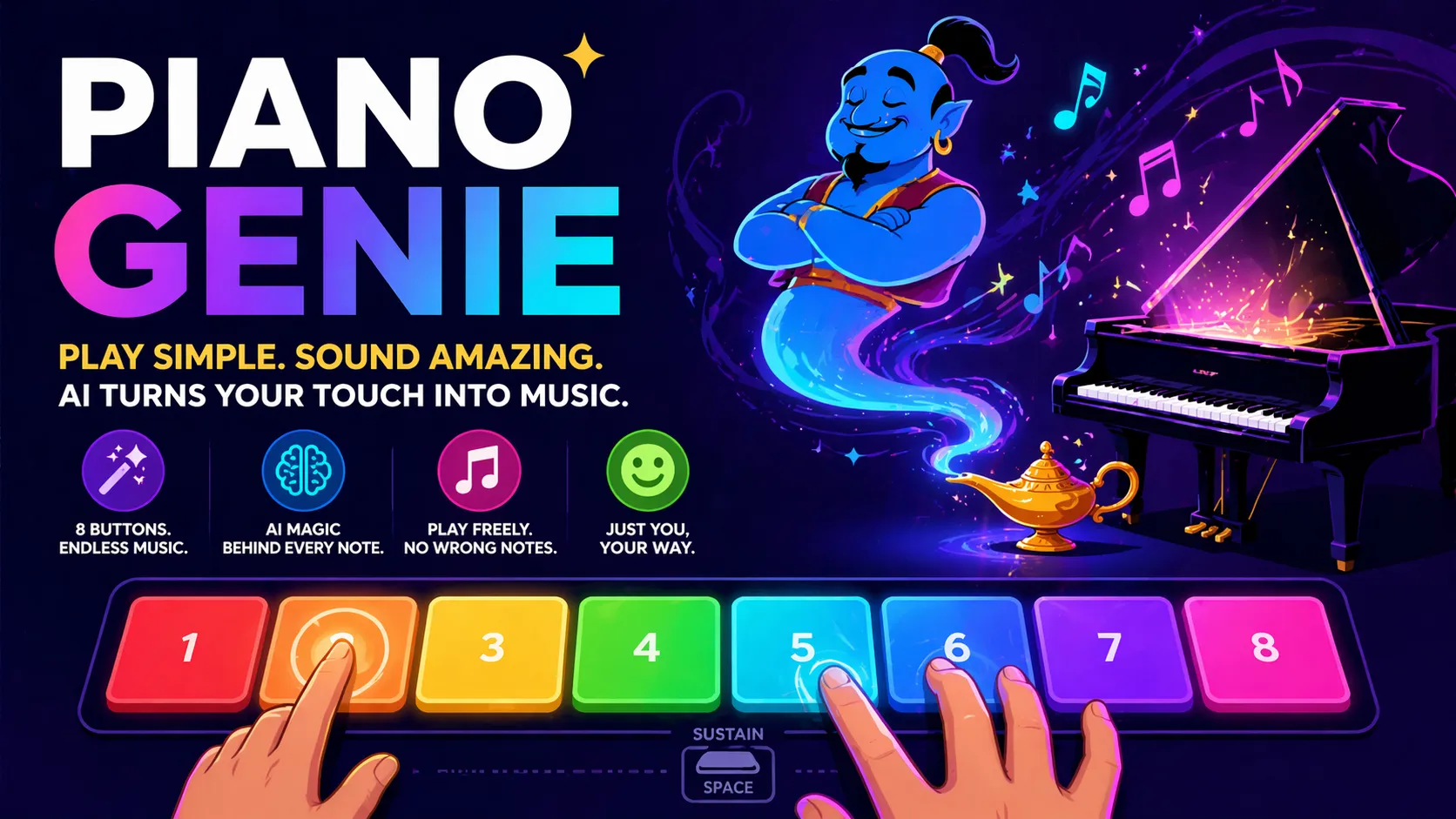
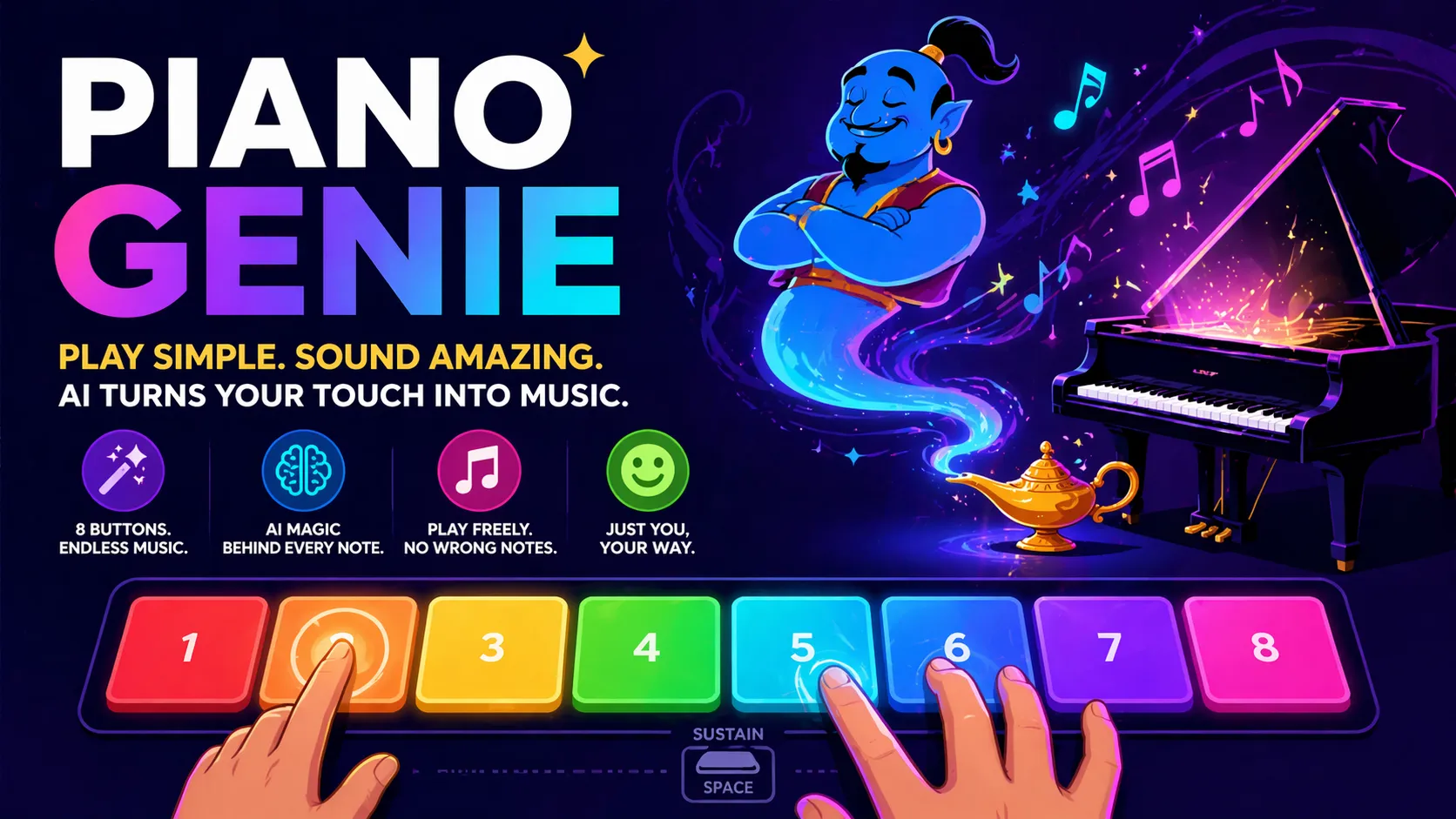
Piano Genie is pure musical sorcery: it shrinks a grand piano down to just 8 colorful buttons, then uses clever AI to decode every press into rich, realistic piano playing on a full 88-key instrument. You control the timing, rhythm, and rough melodic shape (higher buttons tend to play higher notes, lower buttons lower ones), while the neural network fills in the perfect notes, harmonies, and phrasing to make you sound like a trained pianist.
The core twist that makes it endlessly fun and surprisingly expressive is the freedom mixed with smart assistance. There’s no sheet music, no wrong notes, and no failure state — just you pretending to be a virtuoso and the AI making your performance actually sound good. The more convincingly you play with dynamics, pauses, and movement, the more magical the output becomes. It turns total beginners into instant composers and gives real musicians a playful new way to jam.
Piano Genie Game Rules (The Catch / The Trap)
There are no lives, scores, or elimination — this is open-ended creative improvisation with AI assistance.
- Press any of the 8 buttons (keys 1-8 on keyboard, or touch the colored blocks) to trigger notes.
- Hold a button to sustain the note, just like a real piano.
- Press multiple buttons at once for chords and polyphony.
- Higher-numbered/higher-position buttons generally produce higher pitches; lower ones produce lower pitches — giving you control over melodic contour.
- Use the space bar for the sustain pedal to create smooth, connected playing.
- The AI decides the exact piano keys and voicing in real time, trained to sound musical and professional.
The only "trap" is how addictive it becomes once you start pretending you're a real player — suddenly your simple taps bloom into gorgeous, flowing music.
How To Play Piano Genie?
-
Step onto the Stage: Open the site and choose between 4 or 8 buttons. The colorful interface appears with your controls ready.
-
Start Improvising: Begin pressing the numbered keys (1-8) or tapping the colored blocks on screen.
Player Action: Tap or hold buttons in any rhythm you like — single notes, chords, or flowing sequences.
-
Shape the Music: Use lower buttons for deeper, bassier sounds and higher buttons for soaring melodies. Add the space bar to engage the sustain pedal for richer tones.
Game Response: Beautiful, realistic piano audio plays instantly. The AI intelligently maps your input to full piano notes and harmonies that sound coherent and expressive.
What You Learn: Your timing and "air piano" gestures directly influence the energy and direction of the piece.
-
Experiment Freely: Try different speeds, add dramatic pauses, build intensity with chords, or play softly. The more you perform with feeling, the better the AI responds.
-
Keep the Magic Going: Continue as long as you like — there’s no end. Change button count or simply restart for a fresh session whenever inspiration strikes.
Strategy & Tips
- Act like a real pianist: move your hands expressively across the buttons, vary rhythm, and use the sustain pedal generously.
- Start simple with single notes to feel the AI’s response, then layer in chords for depth.
- Higher buttons = upward melodic movement; lower buttons = downward. Use this to create natural rises and falls.
- Play with confidence and musical intention — the AI rewards expressive input with more beautiful output.
- Try recording your sessions (externally) to capture surprising moments of genuine musical beauty.
Piano Genie proves you don’t need years of practice to make real music — just a spark of creativity and a little AI genie magic. Open it, press play with your imagination, and let the piano sing.