Virtual Piano
Virtual Piano
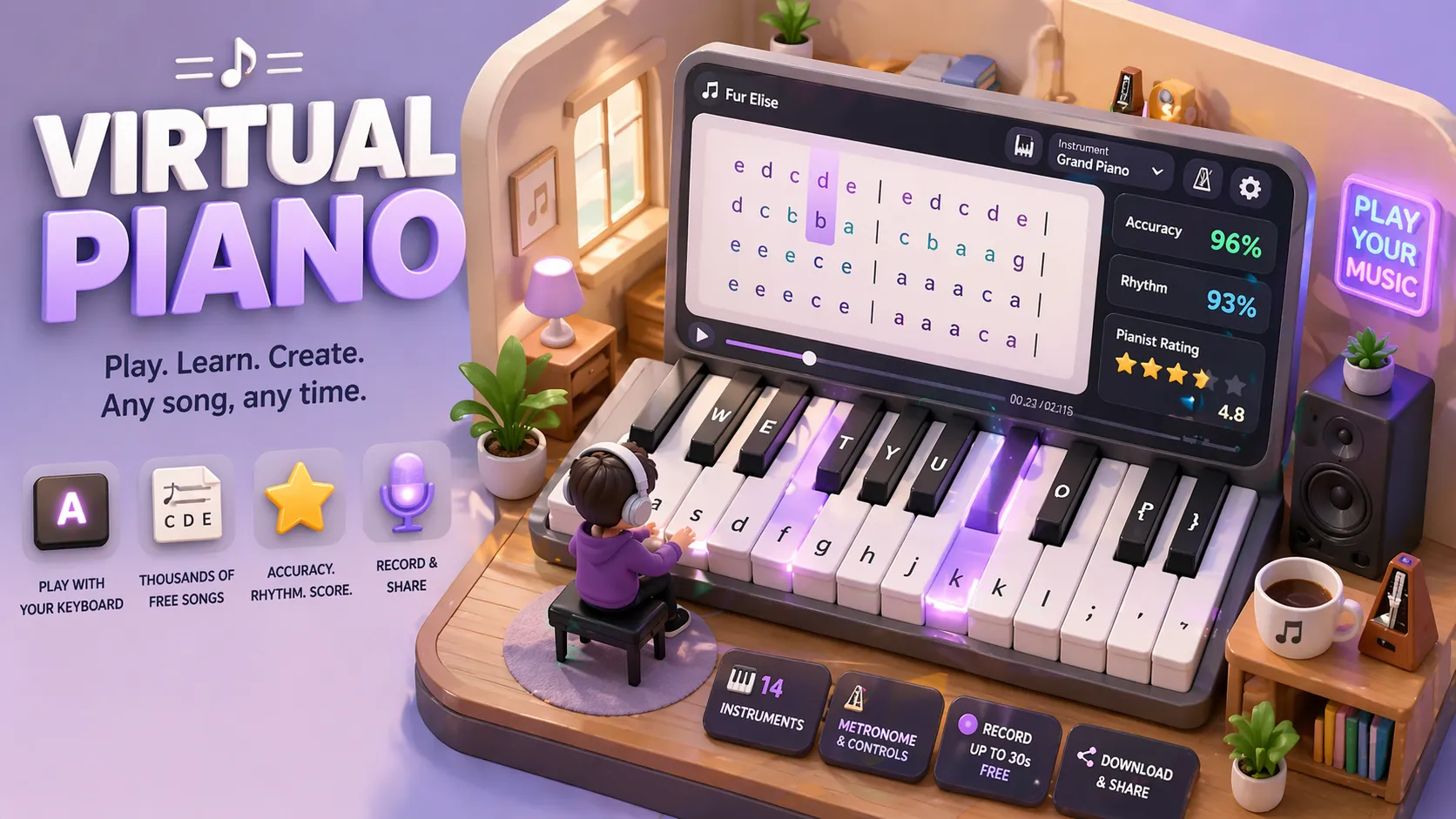
Virtual Piano is the original and most popular online piano keyboard that turns your computer, tablet, or phone into a playable instrument instantly. Play thousands of free music sheets, record your performances, switch between 14 instruments, and build your skills with accuracy and rhythm scoring — no downloads required.
Play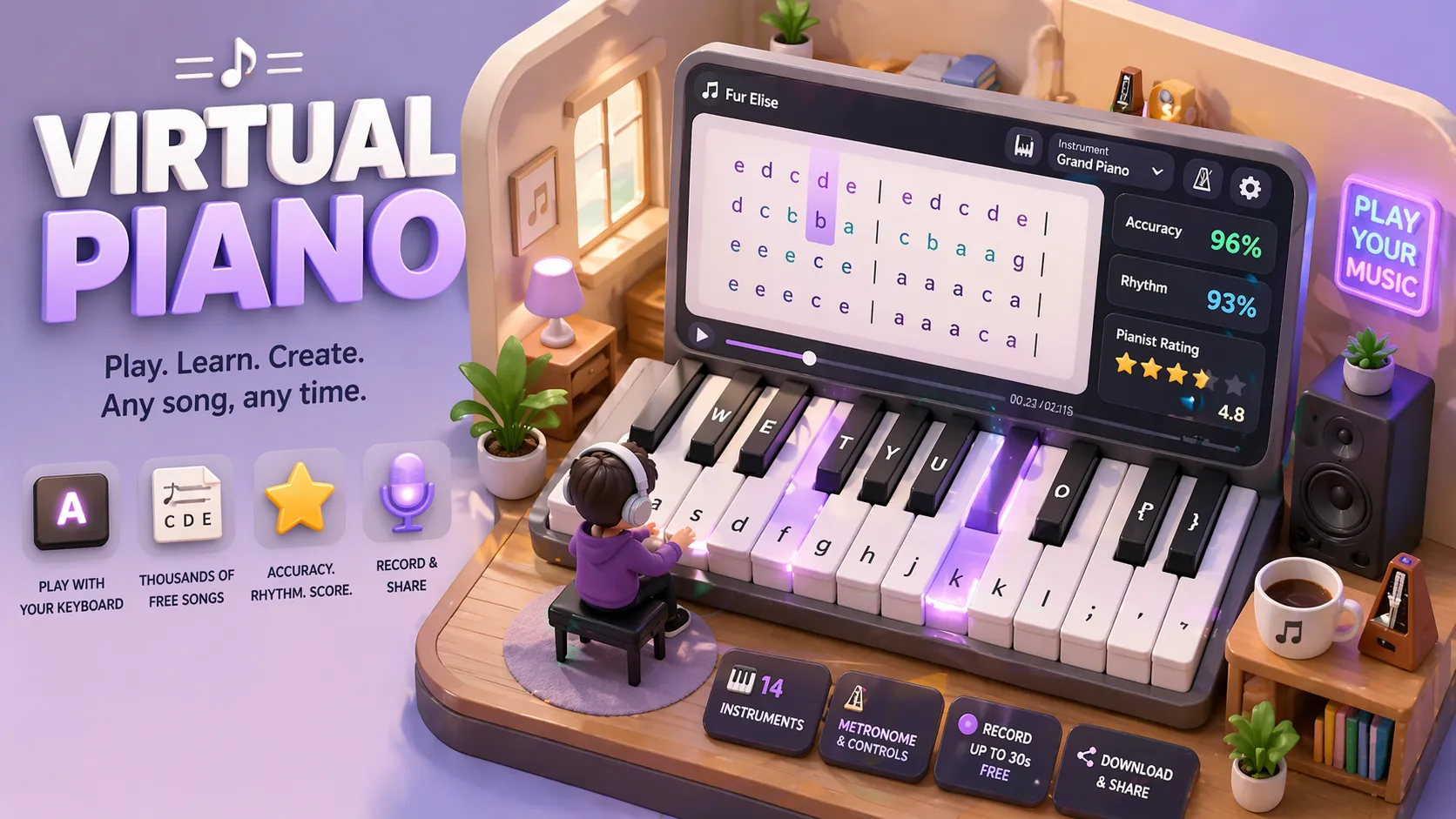
What is Virtual Piano?
Virtual Piano is the world's first and most loved online piano — a full virtual instrument that lets anyone become an online pianist in under a minute. No music theory, no expensive gear, no downloads. Just open the site and your computer keyboard (or touchscreen) transforms into a beautiful sounding piano with realistic stereo audio.
What makes it special is the massive library of thousands of free music sheets written in simple English letters instead of traditional notation. Press the highlighted keys as the song plays, chase high accuracy and rhythm scores, switch between 14 different virtual instruments, and even record and share your performances. It's relaxing, creative, and surprisingly addictive whether you're learning your first melody or jamming like a pro.
Virtual Piano Game Rules (The Catch / The Trap)
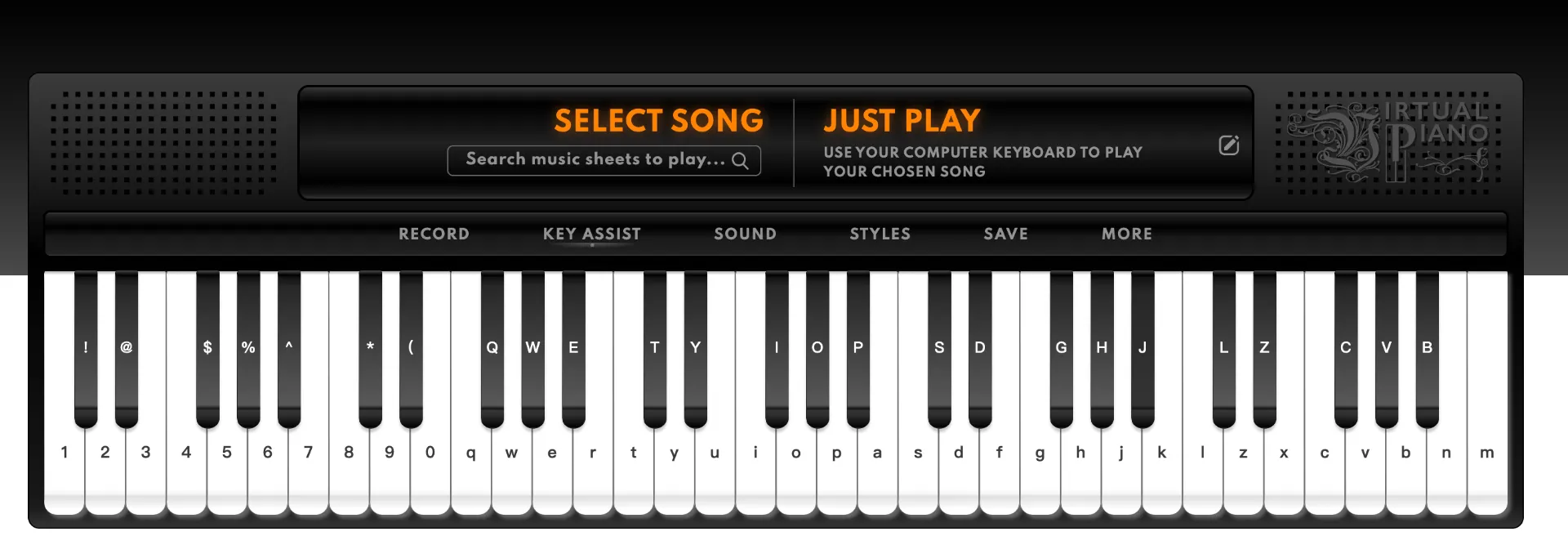
There are no strict "lives" or elimination — it's an open creative simulator with built-in challenges through song difficulty and performance scoring. Your keyboard keys light up and correspond directly to piano notes (lowercase letters for white keys, uppercase/symbols for black keys).
- Press keys in sequence for melodies or together for chords.
- Music sheets use simple rules: spaces for timing, | for pauses, [ ] for simultaneous notes.
- Performance feedback is ruthless but fair: Accuracy score (how many correct notes), Rhythm score (timing precision), and overall Pianist Rating.
- You CAN record up to 30 seconds (free) or longer with premium, then download or share.
- Switch instruments, adjust metronome, transpose, or change themes anytime.
The real trap? Once you start nailing a tough song and watching your scores climb, it's hard to stop.
How To Play Virtual Piano?
-
Load the Stage: Open https://virtualpiano.net/. The full piano keyboard appears on screen with your computer keys labeled. Type a song name (like "Fur Elise") in the search box or browse popular sheets.
-
See the Lights: The chosen music sheet loads with letters highlighted. These show exactly which keys to press and when.
Player Action: Press the matching keys on your physical keyboard (or tap the on-screen piano for mobile/tablet).
-
Play the Melody: Follow the sequence — single letters for notes, groups in [brackets] for chords. Watch keys light up as you play.
Game Response: Beautiful piano sound rings out. If using auto-play, it demonstrates; otherwise you drive every note.
What You Learn: Immediate audio feedback teaches timing and note relationships. Scores update live for accuracy and rhythm.
-
Level Up Your Run: Slow down with the metronome, try a harder song, or switch to a new instrument like electric piano or strings. Record your best take.
-
Review and Share: When finished, check your pianist rating and stats. Download the recording or try to beat your previous high score on the same sheet.
Strategy & Tips
- Start with easy Level 1 sheets to build muscle memory before tackling complex pieces.
- Use the metronome and slow tempo to master rhythm — speed comes naturally once timing locks in.
- Practice with Key Assist on at first, then turn it off for a real challenge.
- Experiment with different instruments and themes to keep sessions fresh and inspiring.
- Record often — listening back reveals exactly where your accuracy or rhythm slips.
Whether you want to relax by playing familiar tunes or seriously train your piano skills, Virtual Piano delivers endless musical joy right in your browser.