
Web Harmonium
Loading game...
What is Web Harmonium?
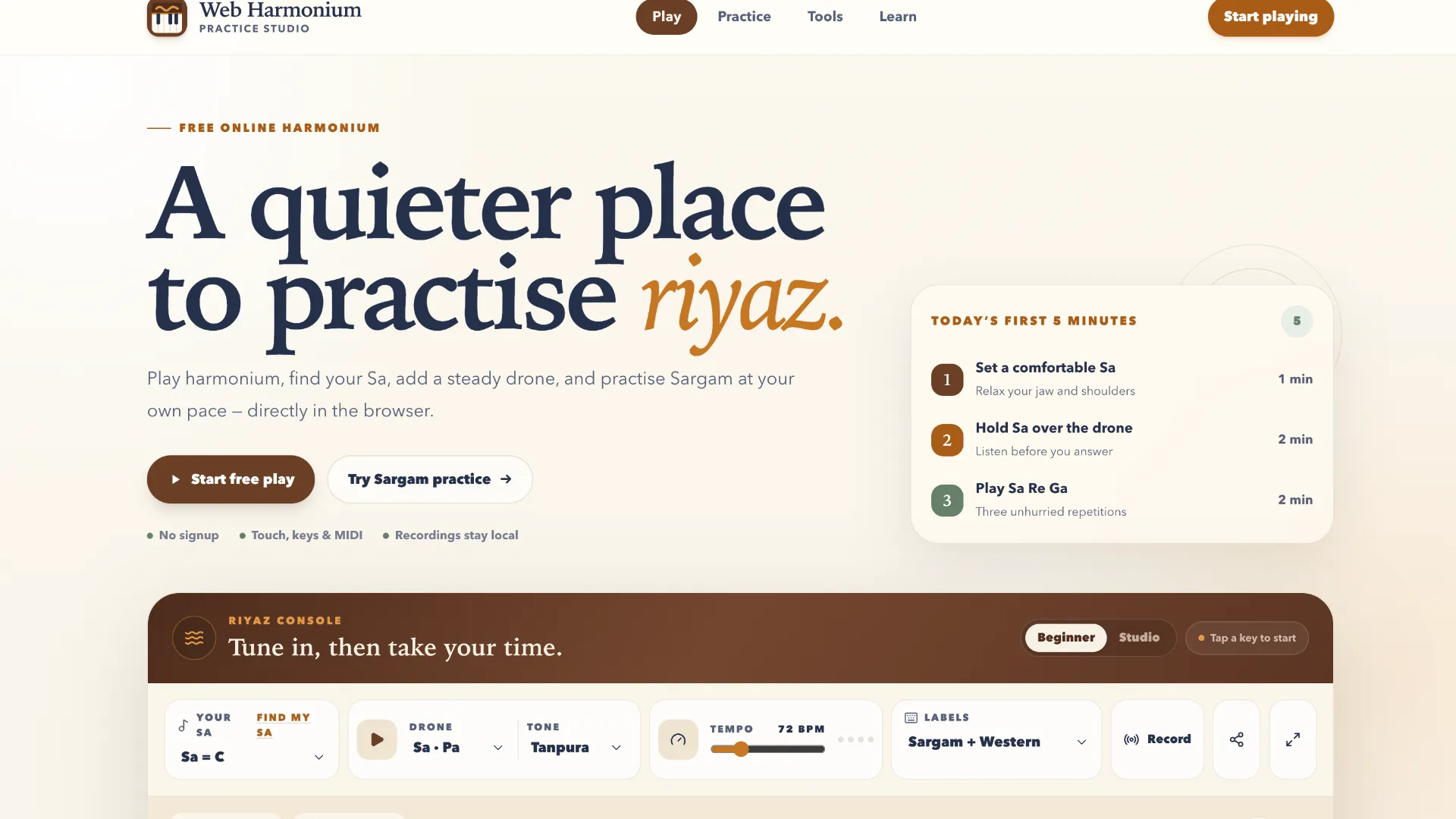
Web Harmonium is a playable virtual harmonium that runs directly in the browser. Instead of treating the instrument as a game, it gives musicians and learners a quick practice surface for playing notes, checking melodies, and becoming more familiar with Sargam positions.
The instrument shows Indian Sargam names alongside Western note names and can be played from the on-screen keys or a computer keyboard. It is particularly useful when you want a harmonium reference for vocal practice, melody rehearsal, or music learning without having a physical instrument in front of you.
How To Use Web Harmonium?
- Start with the visible keyboard. Click or touch a harmonium key and Web Harmonium plays the corresponding note, letting you immediately connect a key position with its Sargam and Western note name.
- Try the computer keyboard map. Use the displayed white- and black-key shortcuts to play melodies more quickly while watching how notes such as
Sa C4,Re D4, andGa E4are arranged. - Adjust the register. Change the octave or transpose setting when the default range does not suit the melody or vocal pitch you are practicing.
- Shape the sound. Adjust master volume, reverb, and additional reeds to change how the harmonium responds and sounds during practice.
- Use MIDI when useful. A MIDI keyboard selector is available for users who want to control the browser instrument from compatible external hardware.
Key Features of Web Harmonium
- Interactive harmonium keyboard: Play notes directly from the browser using visible instrument keys.
- Sargam and Western labels: Notes are presented with names such as
Sa / C4, making the layout useful for learners moving between notation systems. - Computer keyboard controls: White and black harmonium keys are mapped to physical keyboard shortcuts for faster playing.
- Transpose and octave controls: Move the playable range or tonic position without changing your fingering pattern.
- Sound controls: Master volume, reverb, and additional reed settings provide basic control over the instrument's character.
- MIDI input option: The interface includes MIDI keyboard selection for compatible browser setups.
- Learning material: Supporting guides cover topics including harmonium note layout, Sargam, keyboard controls, and MIDI setup.
Practice Tips for Web Harmonium
Start slowly with a simple Sargam sequence such as Sa – Re – Ga – Ma – Pa and pay attention to both the sound and the note labels. Repeating short patterns is more useful for orientation than immediately attempting a long melody.
For vocal practice, use transpose and octave controls to place Sa in a comfortable register before rehearsing a phrase. For melody practice, try playing a short passage without looking at the labels, then use the keyboard display to check where you hesitated.
Web Harmonium can also complement ear training, but it is primarily an instrument rather than a scored listening exercise. A useful routine is to play a note or short phrase, listen carefully, then try to reproduce it by voice or from memory.
Web Harmonium FAQ
Is Web Harmonium suitable for beginners?
Yes. The combination of visible keys, Sargam names, Western note labels, and a straightforward keyboard map makes it approachable for someone learning where harmonium notes are located.
Can Web Harmonium help with ear training?
It can support informal pitch and melody practice because you can play notes and compare what you hear, but it is not presented as a dedicated scored ear-training game.
What should I try alongside Web Harmonium?
If your goal is broader music practice, pair it with interval-recognition exercises, pitch trainers, rhythm exercises, or music-theory tools. Web Harmonium is most useful when you specifically want an interactive instrument for Sargam, melody, and harmonium practice.