Sprunki Mostaza
Loading game...
What is Sprunki Mostaza?
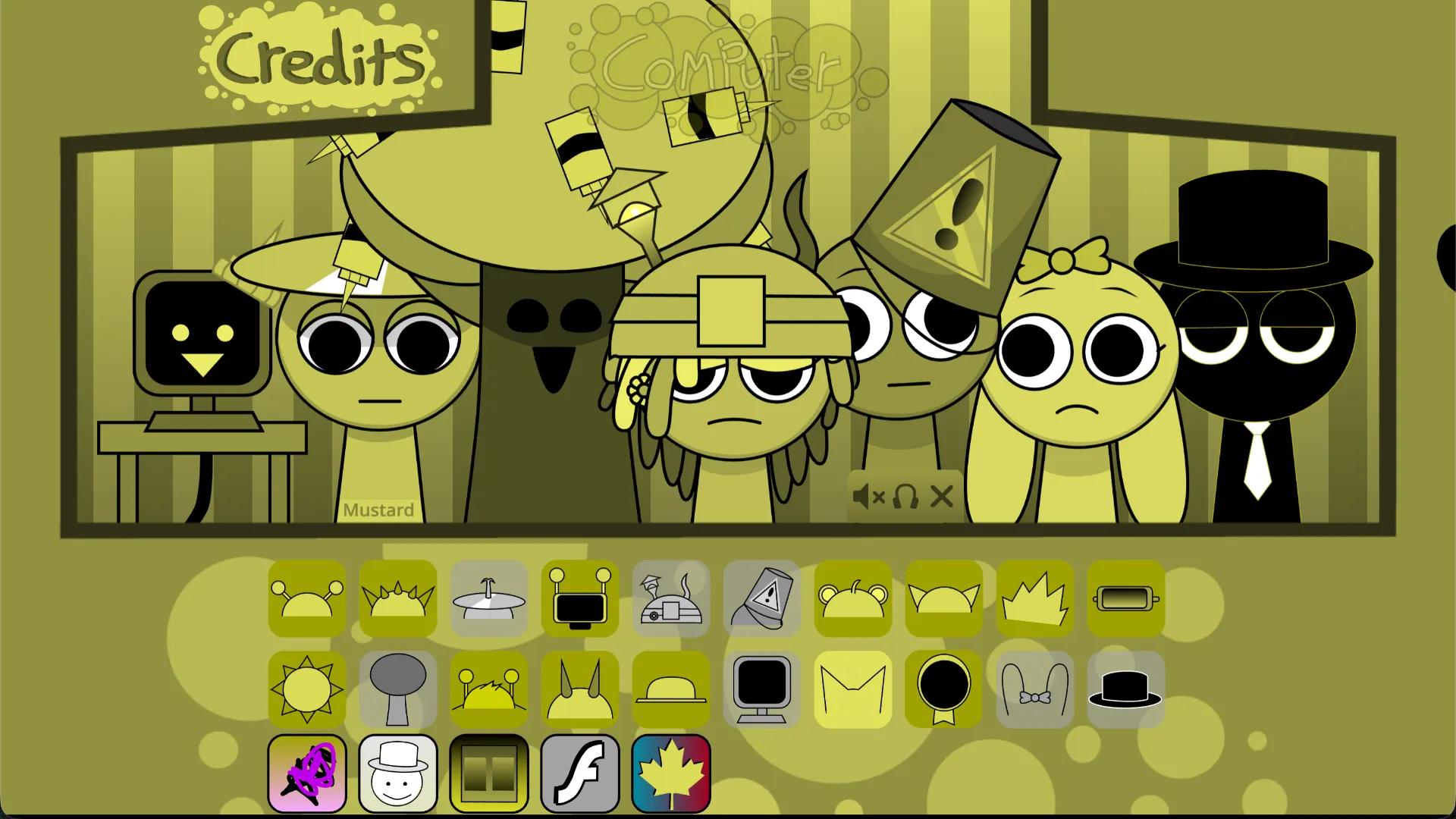
Give your next beat a little mustard. Sprunki Mostaza, also listed as Sprunki Mustard, is a fan-made music-mixing game with yellow-themed characters and a drag-and-drop approach to combining sound loops.
The appeal is hearing separate musical parts become an ensemble. Try a sparse rhythm, add a melody, then decide whether another sound improves the groove or crowds it out.
Sprunki Mostaza Game Rules
Each character contributes a musical part. Combine them to build a mix, then change the lineup to explore different textures. Experiment with beats, melodies, and effects to hear how different layers work together.
Treat the session as a creative experiment: aim for a combination you enjoy, and use listening to guide your choices.
How To Play Sprunki Mostaza?
- Open the game and click or tap inside it to activate audio if needed.
- Drag a sound icon onto an available character to add its musical part.
- Add another sound to combine layers; notice how the rhythm or texture changes.
- Use the controls available in the game to adjust your lineup, then compare the revised mix.
Strategy & Tips for Sprunki Mostaza
- Start small: Learn two or three sounds before building a fuller arrangement.
- Change one part at a time: This makes each sound's contribution easier to identify.
- Leave some space: A simpler combination can make a melody or rhythmic detail stand out.
- Build around a rhythm: Choose a beat you enjoy, then try melodies and effects that complement it.
Sprunki Mostaza FAQ
Can beginners play Sprunki Mostaza?
Yes. The drag-and-drop approach lets you experiment with musical parts without reading notation.
Can Sprunki Mostaza help with ear training?
Comparing layers can be a useful listening activity. Treat it as creative exploration rather than a measured pitch or interval exercise.
Why is Sprunki Mostaza silent when it opens?
Click or tap inside the game and check your device volume and browser tab's sound settings. Browsers may require an interaction before allowing audio playback.
What should players do if the game does not load?
Allow time for the initial download, then try reloading the page if necessary. Reloading may reset the current mix. The embedded game is hosted externally, so availability depends on its hosting provider.